Description
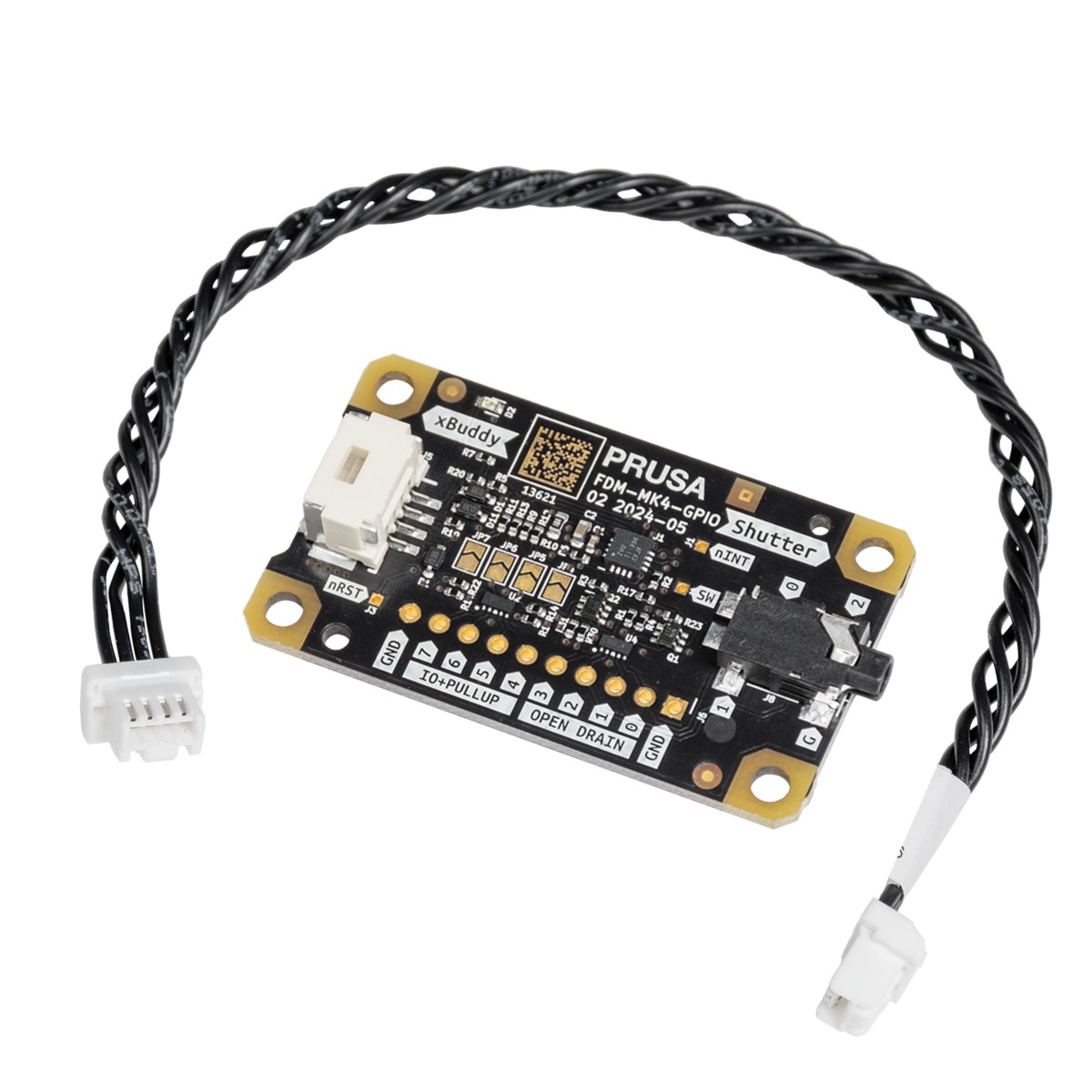
Add GPIO control to your Original Prusa The GPIO “Hackerboard” set is an optional add-on module designed for modders, hackers and tinkerers who want to extend their printer with external inputs and outputs. By connecting to the I2C port on the xBuddy board, it enables your printer to control and receive signals from connected devices using GPIO pins and G-code. How it works Once installed, actions can be triggered through custom G-code commands. These commands may be executed at the start or end of a print, at a specific layer, or during other events. All commands can be configured directly in PrusaSlicer, allowing seamless integration into an existing slicing and printing workflow. Practical automation ideas The module can be used to trigger a camera for precise timelapse photography, control external LED lighting to display printer status, adjust fan behavior, drive servos, activate enclosure-related functions, and more. The Hackerboard is built for experimentation—if a function can be described as a G-code action, it can often be automated. Buttons and macro keyboards Buttons or macro keyboards can be connected and assigned to execute specific G-code scripts stored on the printer’s USB drive. This enables quick access to common tasks such as printer preparation, print control, temperature changes, or custom routines without navigating menus. Documentation and setup guide Detailed instructions, wiring examples and usage guidelines are available on Prusa’s official help page (https://help.prusa3d.com/article/gpio-module_734695). Compatibility Compatible with: MK4, MK3.9, MK3.5, MK4S, MK3.9S, CORE One/+.